Skip to content
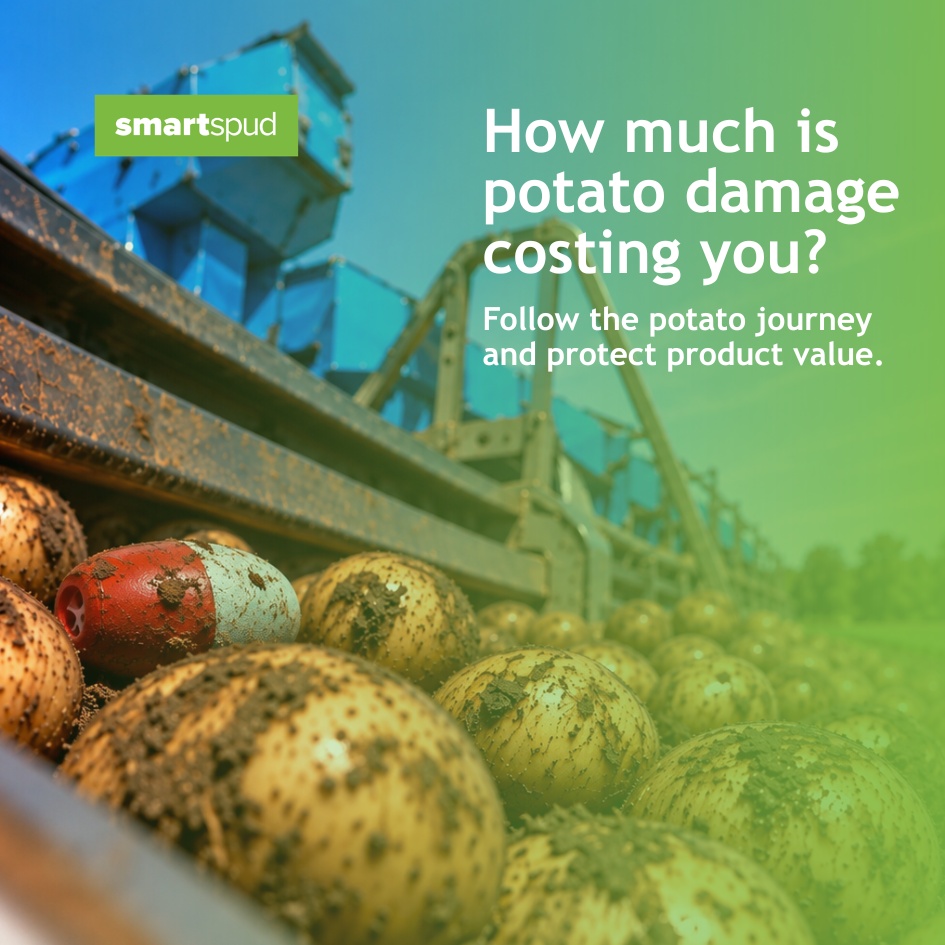
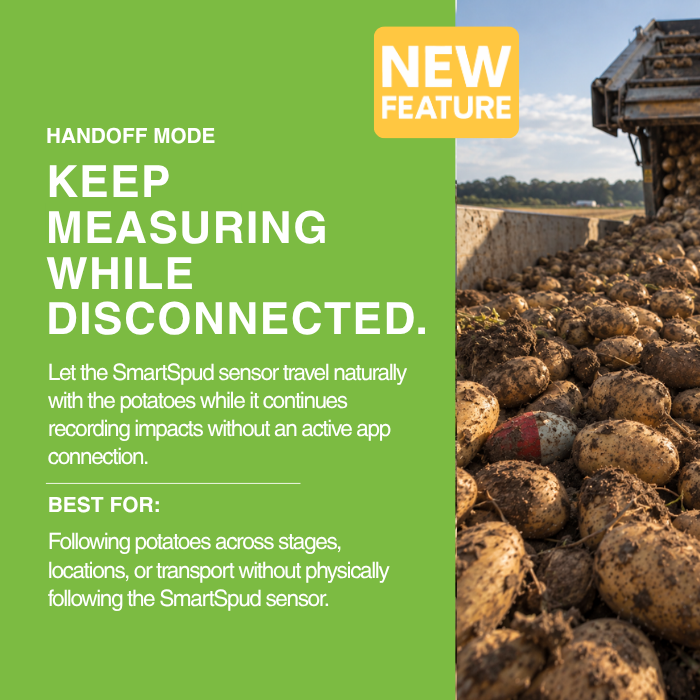
SmartSpud-Handoff-Hero-2
SmartSpud_Handoff_Hero_Mobile_1080x1080.-2

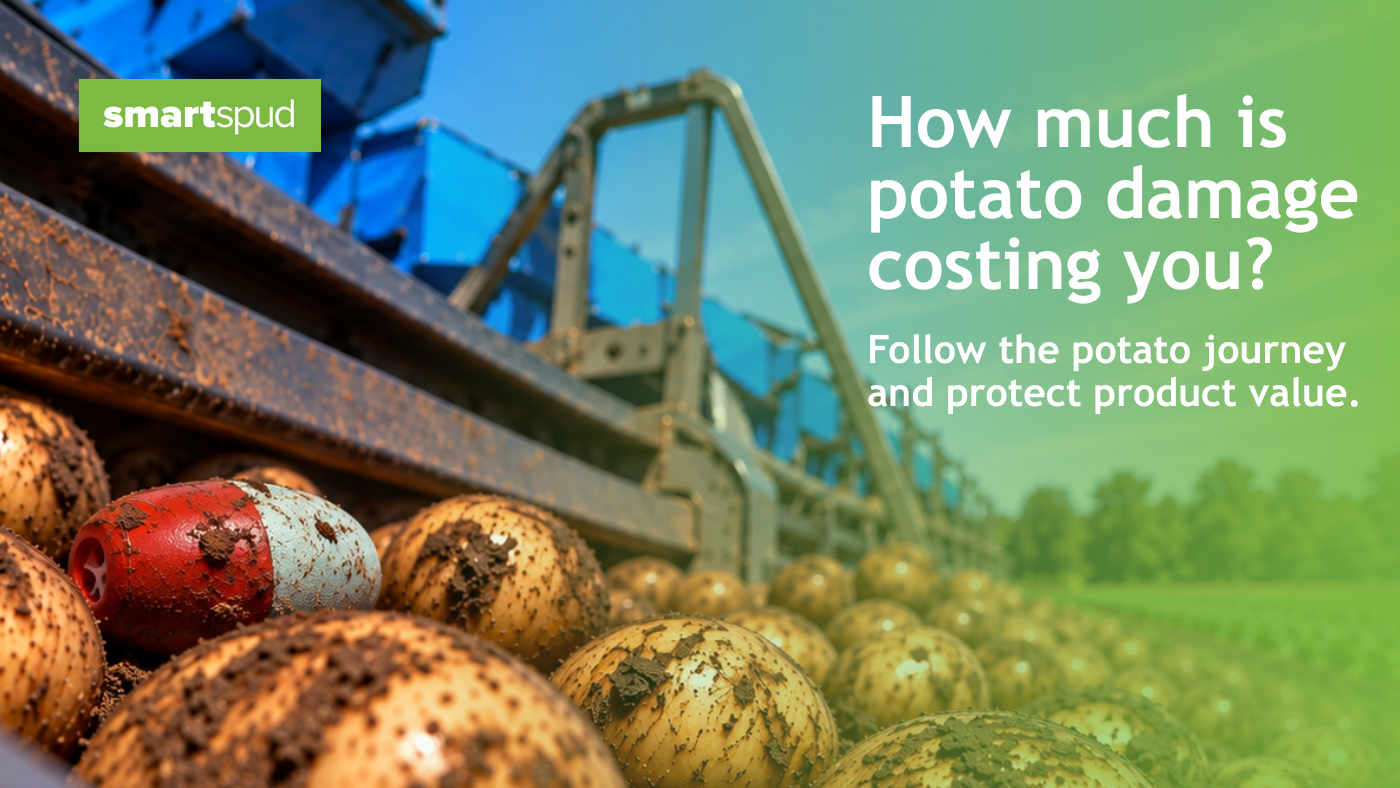
POTATO DAMAGE COSTS MONEY

Do you know where the impacts are happening?

Potatoes can experience impacts throughout harvesting, handling, grading, packing, and transport. Without impact data, finding where to focus can mean relying on trial and error.

Stop guessing. SmartSpud gives you the impact data to identify problem areas and take action where it matters.

SEE THE VALUE

What could you be saving?

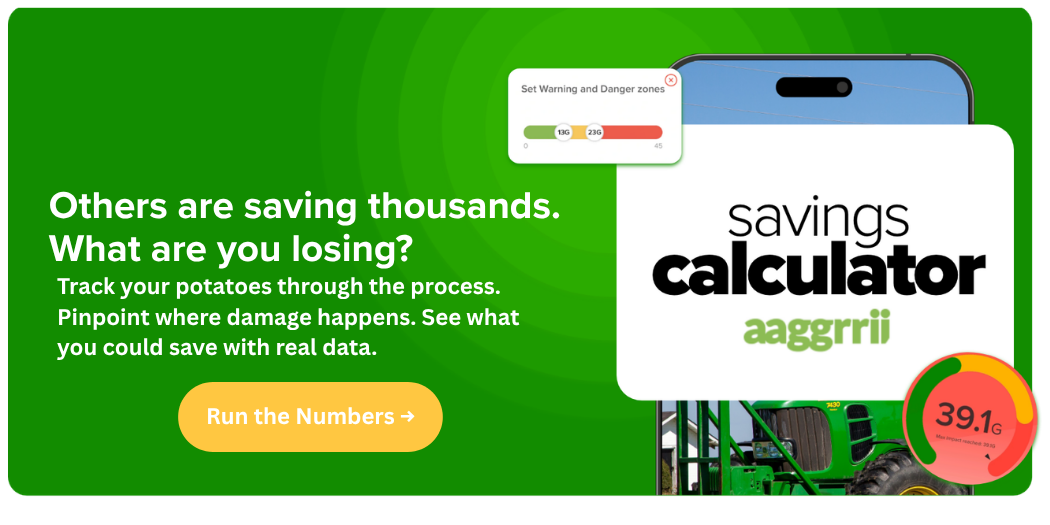
SmartSpud_Handoff-Mode_Savings-Calculator_Banner
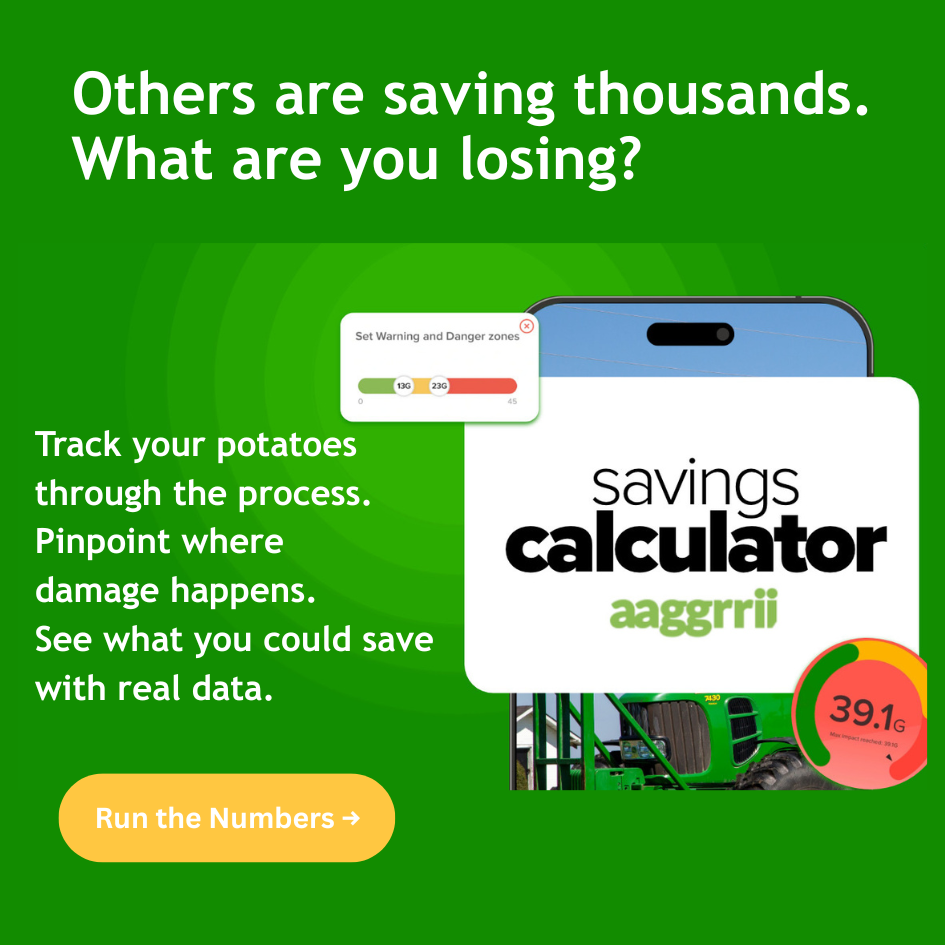
SmartSpud_Handoff_Savings-Calculator_Mobile
INTRODUCING HANDOFF MODE
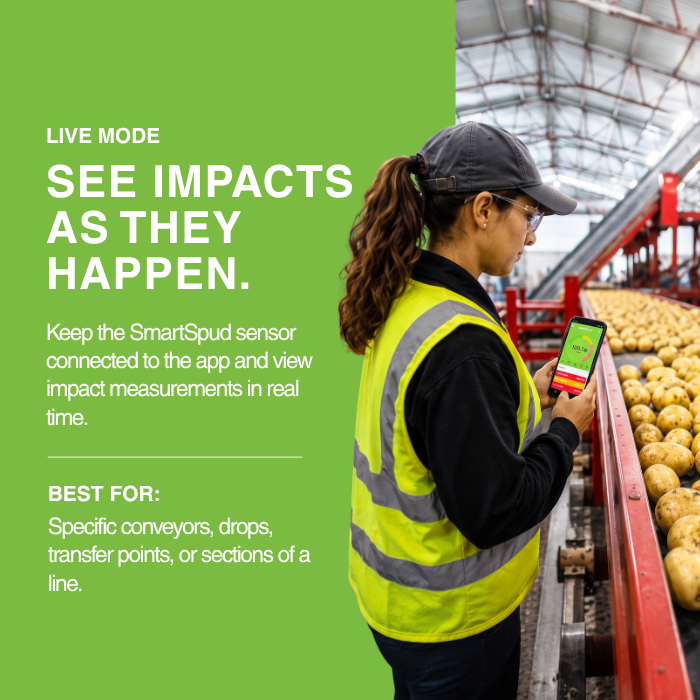
smartspud-live-mode
smartspud-potato-transport-bin-4
smartspud-mobile-app-measurement-run

Update the SmartSpud Mobile App
Visit the Apple App Store or Google Play and make sure you have the latest version of the SmartSpud app installed.


smartspud-sensor-mobile-app

Update the SmartSpud Sensor Firmware
Turn on and connect the SmartSpud sensor. Tap the gear icon → Firmware, choose the latest compatible firmware, and begin the update.


smartspud-mobile-app-live-mode

Start a Measurement Run
Tap the Record icon, enter a name and description, then start a Measurement Run. Keep the SmartSpud sensor still during calibration.


smartspud-mobile-app-measurement-data
Start Handoff Mode
When you're ready to begin the journey, place the SmartSpud sensor with the potatoes being monitored. Tap the Stop icon and select Handoff Mode.
smartspud-mobile-app-impact-measurement
Travel and Record
A confirmation message indicates that Handoff Mode is active. The SmartSpud sensor disconnects from the mobile app and continues measuring impacts throughout the journey without requiring a continuous phone connection.
smartspud-mobile-app-screens

Reconnect and Retrieve Data
At a stop or destination, select the SmartSpud sensor in the mobile app and reconnect via Bluetooth. Confirm the active Measurement Run and retrieve the measurements recorded so far. You can also leave the SmartSpud sensor in Handoff Mode to continue measuring.

smartspud-handoff-mode-mobile-app

Review, Document and Choose What’s Next
After retrieving the data, review the measurements collected so far and document the stop. You can then continue measuring in Live Mode, complete the Measurement Run, or start Handoff Mode again for another stage of the journey.

smartspud-mobile-app-handoff-mode
Upload Your Measurement Run
When the Measurement Run is complete, locate it under Past Runs and upload it to the SmartSpud Portal.
smartspud-portal-measurement-run
See the Complete Journey
Once uploaded, the complete Measurement Run is available in the SmartSpud Portal, bringing the information collected throughout the potato journey together in one place.

Measure across more of your operation  

  • The SmartSpud sensor can travel naturally with potatoes through different stages of your operation, continuing to measure impacts along the way.
smartspud-potato-harvesting

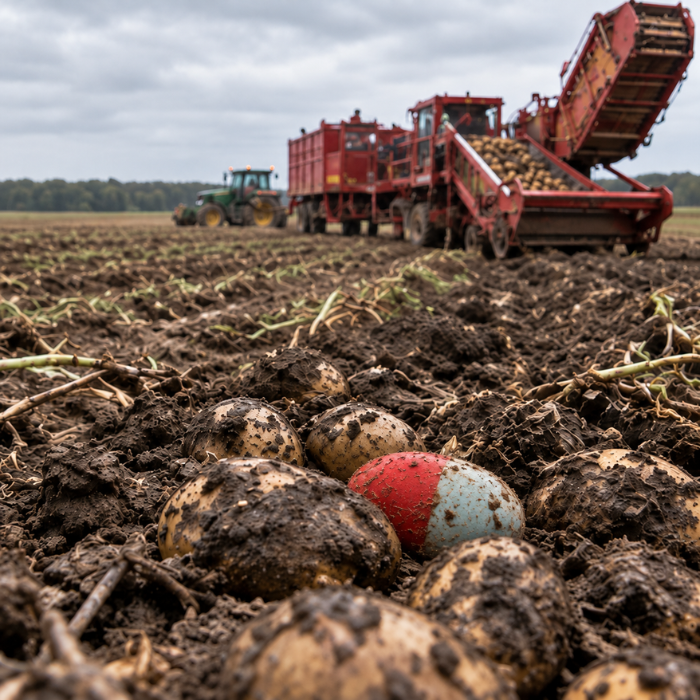
FIELD / HARVESTING

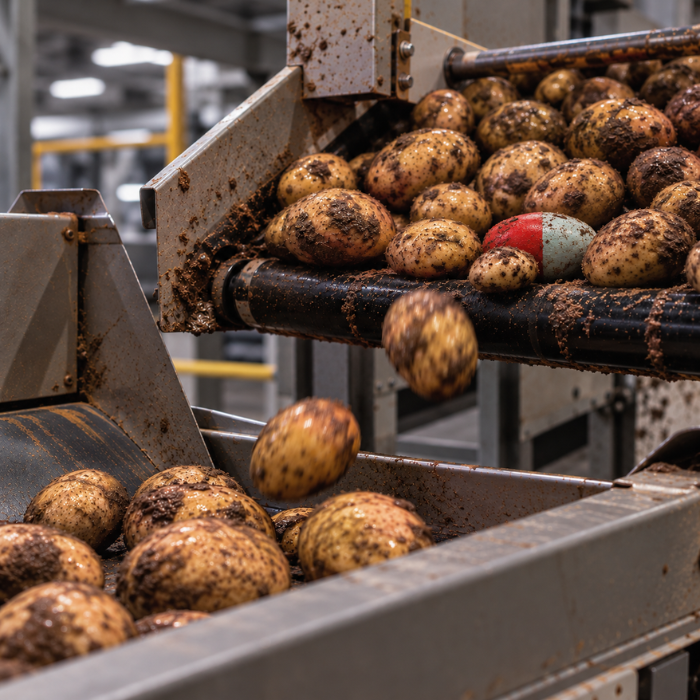
Measure impacts as potatoes move from the field through harvesting.

smartspud-potato-harvester-conveyor

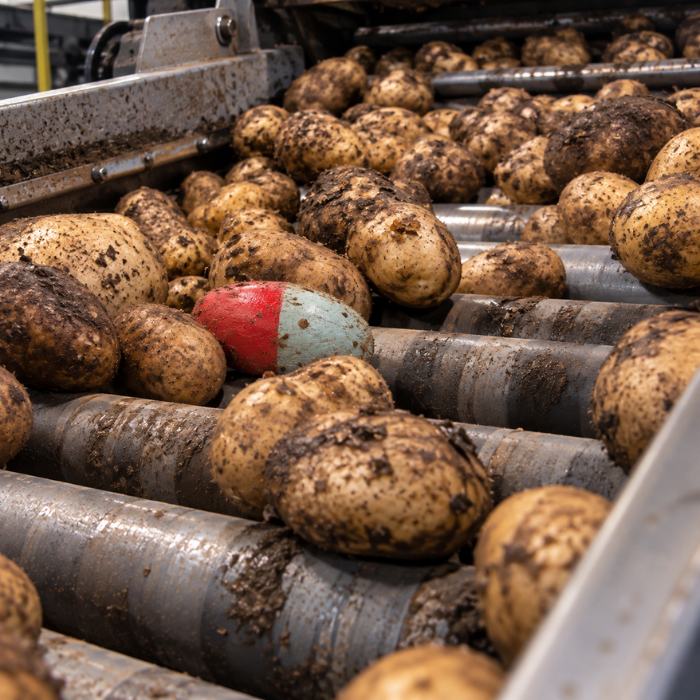
GRADING

Follow impact measurements as potatoes move through grading equipment.

smartspud-potato-washing-line

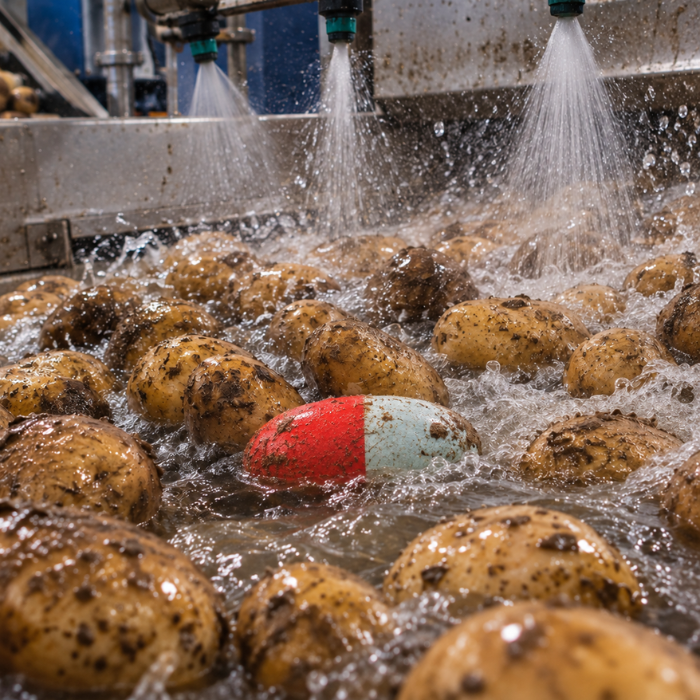
WASHING

Continue measuring as potatoes travel through the washing process.

smartspud-potato-packing-line

CONVEYORS & TRANSFER POINTS

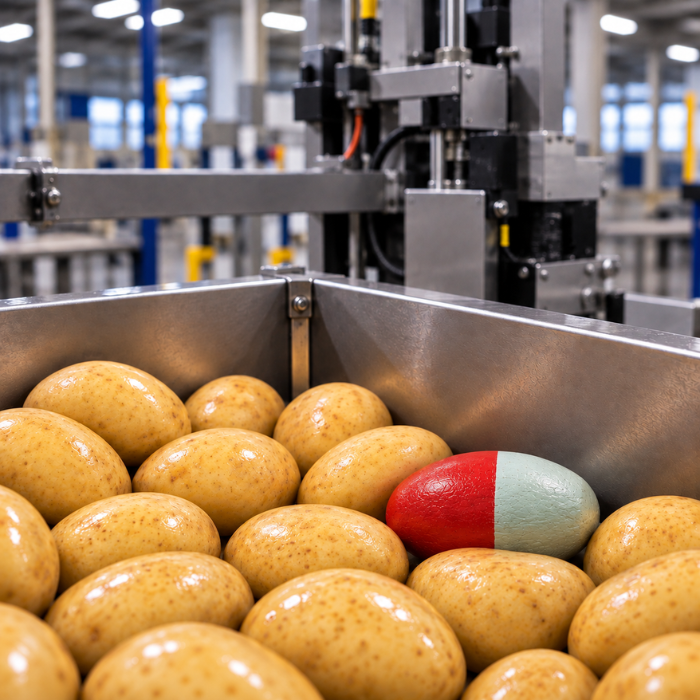
Measure impacts across conveyors, drops, and transfer points.

smartspud-potato-packing-line-2

PACKING

Follow the SmartSpud sensor as potatoes move through packing.

smartspud-potato-transport-bin-2

TRANSPORT

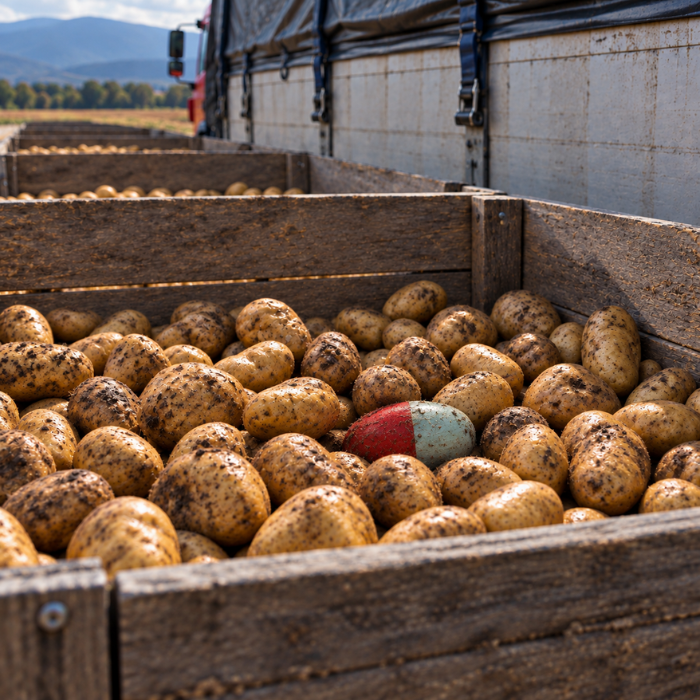
Continue measuring impacts as potatoes travel to their next destination.

Questions About Handoff Mode?

What is Handoff Mode?

Handoff Mode allows the SmartSpud sensor to continue collecting impact data while disconnected from the mobile app. This enables the SmartSpud sensor to travel naturally with the potatoes throughout the operation without requiring an active phone connection.

What problem does Handoff Mode solve?

Handoff Mode removes the need to stay connected to or physically follow the SmartSpud sensor throughout the entire Measurement Run. The SmartSpud sensor can continue measuring impacts as it moves with the potatoes through different stages of the operation.

Can another user reconnect to the SmartSpud sensor?

Yes. Another authorized user can reconnect to the same SmartSpud sensor, retrieve the recorded data, and continue the Measurement Run if needed.

Can a Measurement Run be handed off multiple times?

Yes. A Measurement Run can continue across multiple stages, users, and locations. An authorized user can reconnect to the SmartSpud sensor, retrieve the data, and continue the Measurement Run as the potato journey continues.

When should I use Handoff Mode?

Handoff Mode is ideal when the SmartSpud sensor needs to travel naturally with the potatoes without someone physically following it or maintaining an active app connection—for example, during harvesting, grading, washing, conveyors and transfer points, packing, or transport.

Does the SmartSpud sensor need to stay connected to a phone?

No. Once Handoff Mode is active, the SmartSpud sensor can disconnect from the mobile app and continue recording impacts throughout the Measurement Run.

What is the difference between Live Mode and Handoff Mode?

Live Mode is best when real-time monitoring is useful, such as evaluating a specific conveyor, drop, transfer point, or section of a line. Handoff Mode is best when the SmartSpud sensor needs to travel naturally with the potatoes while continuing to measure without an active app connection.

Where can I review my Handoff Mode data?

Once the Measurement Run is complete, upload it through the SmartSpud mobile app to the SmartSpud Portal, where you can review the information collected throughout the potato journey.

Do I need to update the app and sensor firmware to use Handoff Mode?

Yes. Existing SmartSpud customers should update to the latest version of the SmartSpud mobile app and update their SmartSpud sensor to the latest compatible firmware before using Handoff Mode.